AI Background Music Finder & Voice Remover
Someone talking or podcasting over music? Our AI Background Music Isolator strips vocal and dialogue frequencies with one click, revealing the underlying instrumental for instant acoustic recognition.
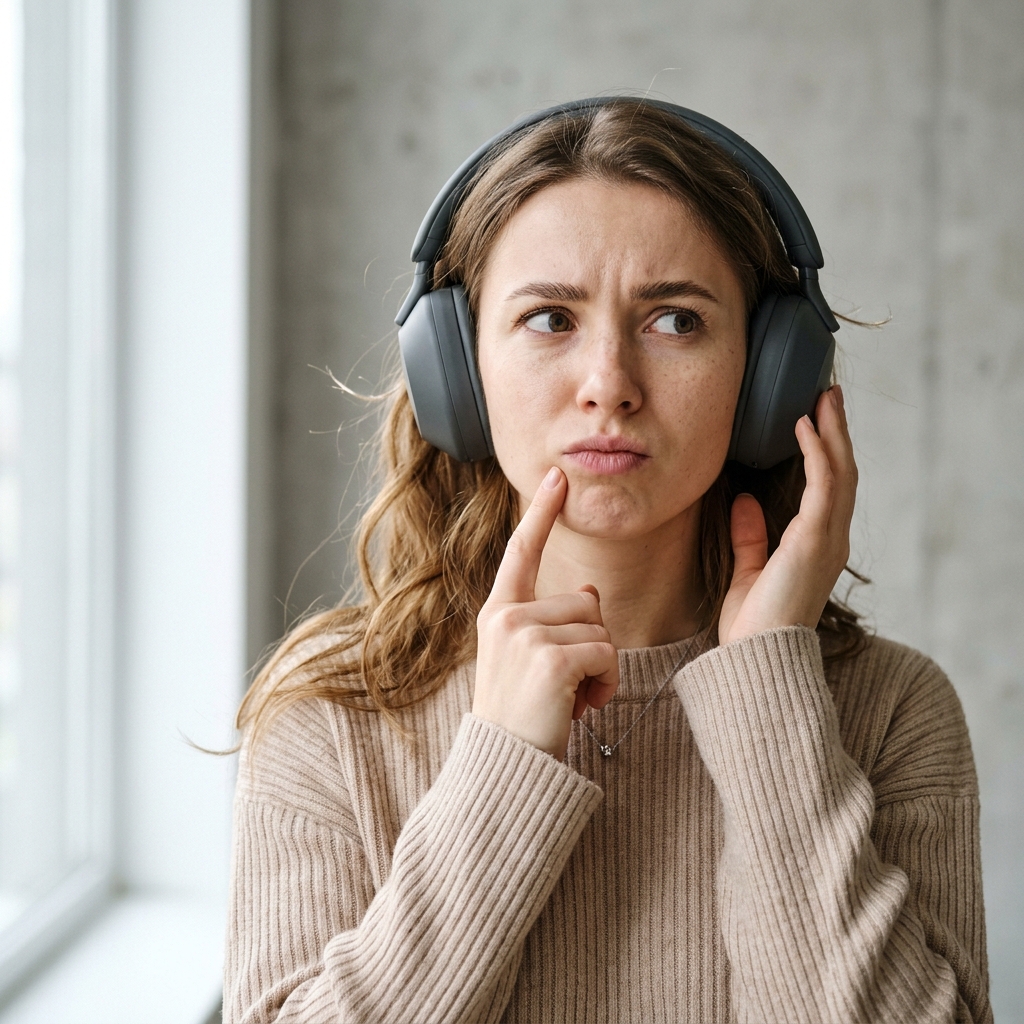
"What song is this?!"
Drop a video/audio clip or tap mic to identify
Drag & drop audio or video files here
Supports MP3, WAV, FLAC, M4A, OGG or video clips MP4, MOV, WebM up to 100MB
"What song is this?!"
Drop a clip or tap mic to identify it
Fast recognition from video clips, audio tracks, and live microphones.
How Our AI BGM Isolator Finds Songs Under Dialogue
In YouTube videos, gaming streams, podcasts, and documentaries, background music frequently plays beneath speaking commentary or loud sound effects. Standard song finder apps fail because spoken human voices interfere with audio fingerprint peak extraction.
Our AI Background Music Isolator uses a dual-engine vocal strip:
- Mid/Side Stereo Dialogue Cancellation: For stereo videos and streams, center-panned speech and commentary are inverted and cancelled, leaving pure stereo backing synthesizers, guitars, and reverb.
- Speech Formant Notch Rejection (300Hz–3400Hz): Attenuates human voice frequencies while strictly preserving sub-bass kicks, rhythm basslines, and high-frequency percussive transients where acoustic fingerprints live.
YouTube & TikTok Edits
Drop MP4/MOV screen recordings from YouTube or TikTok. Scrub directly to the beat drop and isolate the background song.
Podcasts & Interviews
Hear a song played softly behind a podcast conversation? Toggle "Isolate Background Music" to strip the dialogue instantly.
1-Click Toggle
Turn the BGM Isolator on or off at will with immediate real-time browser preview playback before recognition.
Background Music Finder FAQ
How can I identify background music in a video?
Upload the video file (MP4, MOV, WebM). The tool decodes the audio and displays a waveform scrubber. Position the 15-second selector over a moment where the music is clearly audible and click "Identify 15s Section".
Can it identify royalty-free background music used by YouTubers?
Yes! Our matching index includes thousands of popular royalty-free production tracks, Epidemic Sound libraries, and YouTube Audio Library songs.